


Multi-branch clinic managementMany branches in one account, each with its own settings
Add branches yourself from the branch page. Each one keeps its own opening hours, services, stock and exam setup, and staff switch branches from the user menu without signing out. The Free Plan and Starter include 1 branch, Basic 3 and Advanced 10.
Try for FreeAll branches
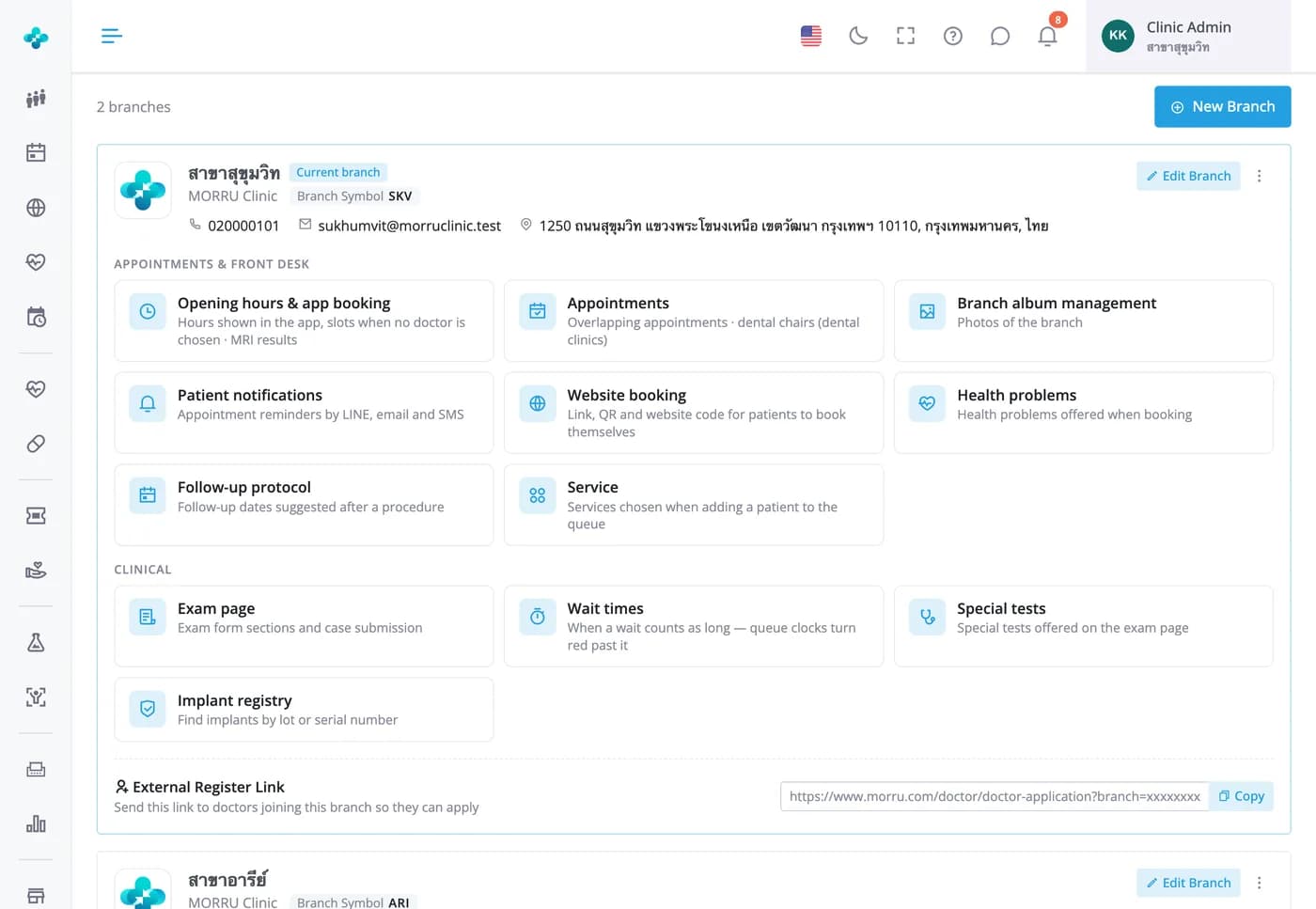
Every branch on one page, with a path to each branch's settings
Each branch card shows the code used in its HNs and leads to that branch's opening hours, booking, patient reminders, services, exam form and wait limits. There's a sign-up link for doctors joining the branch, and the Add branch button tells you when you've reached your plan's limit.


Many branches in one account, each with its own settings
Add branches yourself from the branch page. Each one keeps its own opening hours, services, stock and exam setup, and staff switch branches from the user menu without signing out. The Free Plan and Starter include 1 branch, Basic 3 and Advanced 10.
Copy settings from another branch
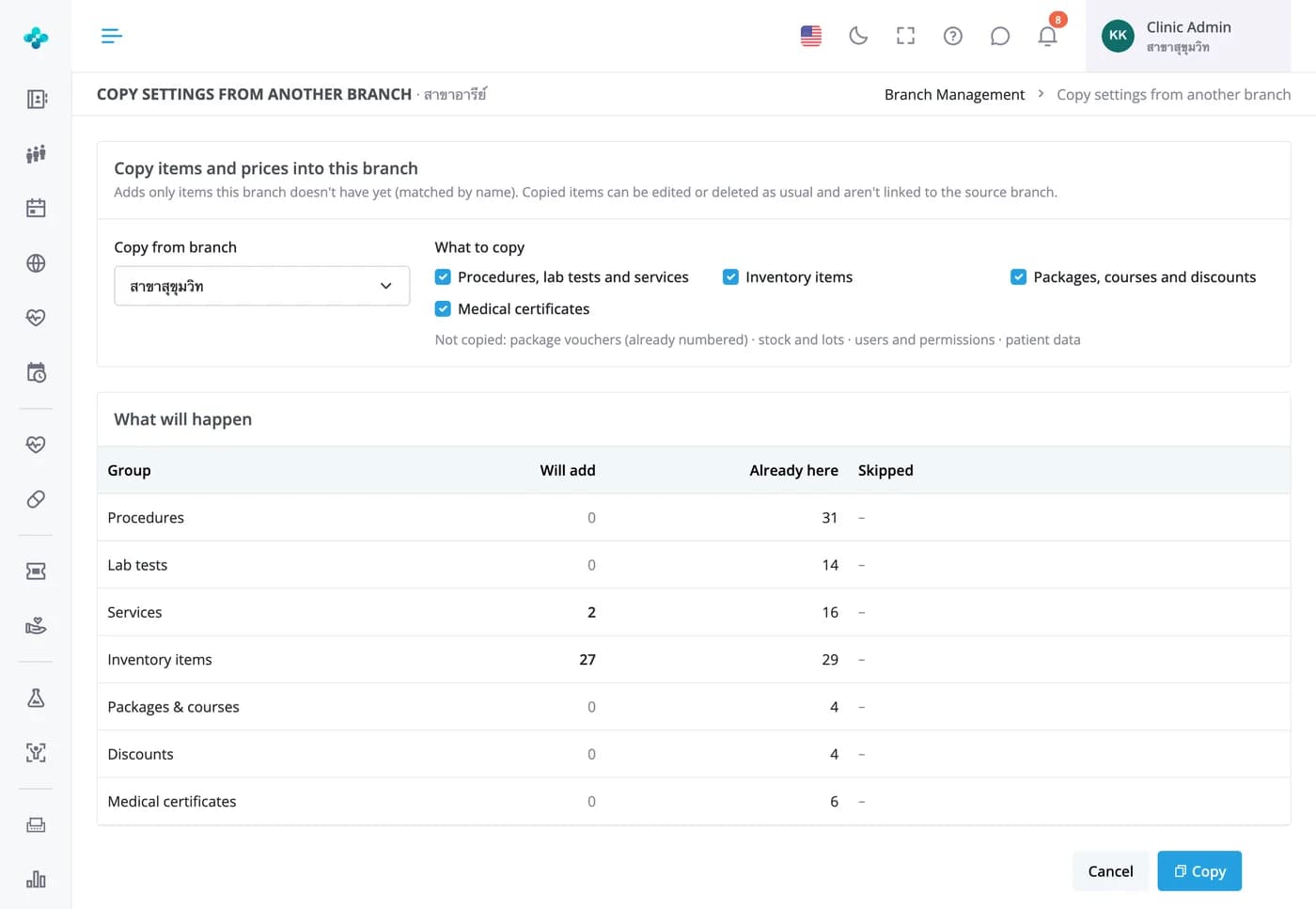
A new branch doesn't start from an empty list
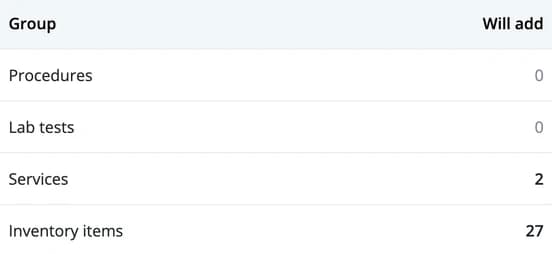
Pick a source branch and preview which treatments, lab tests, services, stock items, packages, discounts and certificate templates will be added. Items with the same name are skipped, and you choose whether to bring prices into line. Stock, users and patient data are never copied.

Shared patient registry · Basic & Advanced
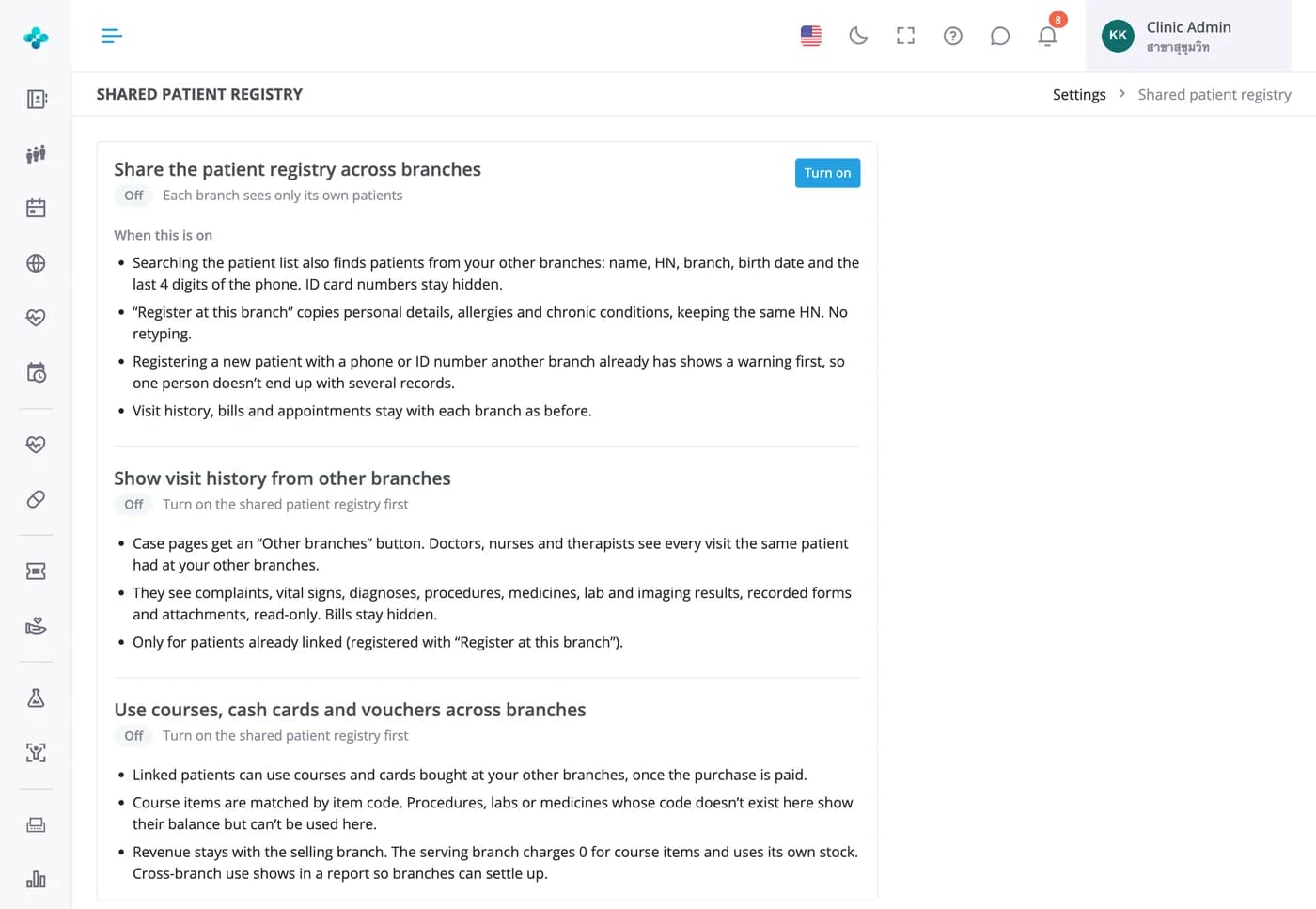
Patients don't fill in their details again at another branch
Your admin decides whether to turn it on. Searching then finds patients from your other branches too, and Register here brings over their details, allergies and conditions under the same HN. You can also let doctors read history from other branches, and let patients use courses and cards across branches.


Frequently Asked Questions
Yes, under System settings › Branches › Add branch. The Free Plan and Starter include 1 branch, Basic 3 and Advanced 10. Once you reach the limit, the button turns grey and points you to the plans.
Yes. Opening hours, services, photo album, patient reminders, exam form and wait limits are all set per branch. Branch hours drive the clinic page and no-preference bookings in the MORRU app, while each doctor's hours are set per branch in the doctor timetable.
Not by default: patients, queues, appointments and stock belong to each branch. If you want one shared registry, your admin can turn it on in plans with more than one branch, after confirming patients will be told under PDPA. Bills and appointments stay with their branch.
Yes. Tick the branches they can use in their profile. Menu permissions are set per branch, so the same person can see different menus at each one, and they switch branch from the user menu without signing out.
Yes. Anyone with finance report access at more than one branch can pick All branches in the finance and sales reports. Comparing net profit between branches is part of the net profit report on Advanced.
Yes. Clinics with more than one branch get a stock transfer button on the inventory page, with a count of transfers waiting for that branch to receive.