


Clinic prepaid cash cardsSell clinic cash cards that patients spend down, visit by visit
Give the card more value than its price to make it attractive, such as 5,000 baht of credit for 4,500. The cashier can apply it to the whole bill or just part of it, and the Cash Card page shows how much service you still owe. Creating new cards is included in the Starter, Basic and Advanced plans.
Try for FreeCreate cards
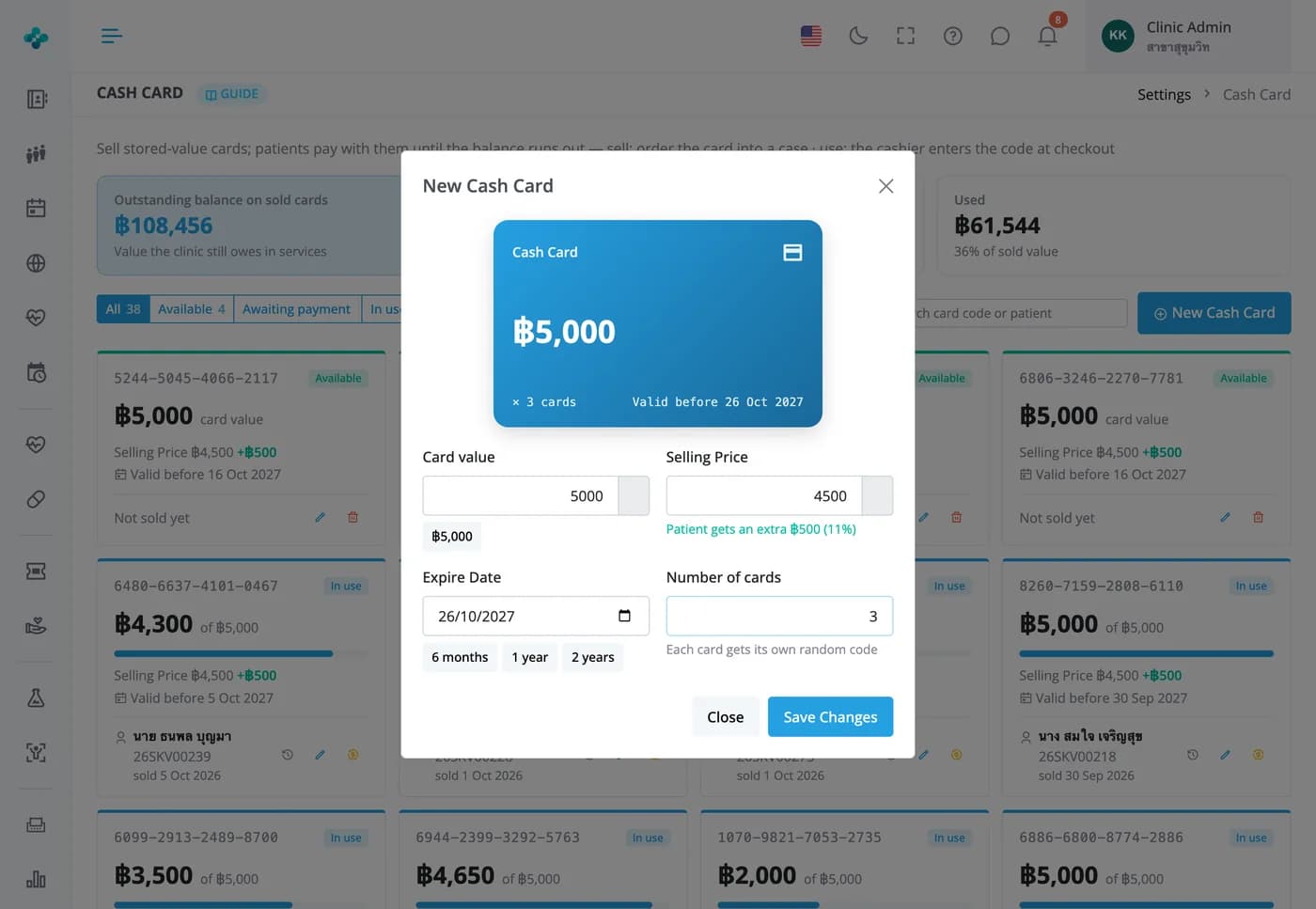
Set the card value, price and expiry, and create several at once
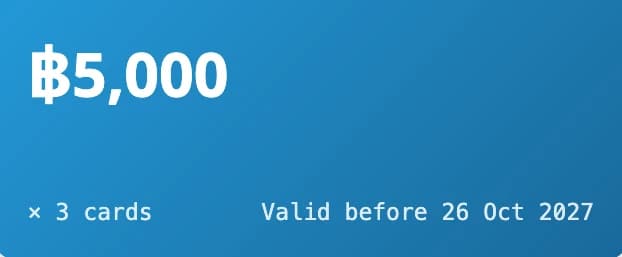
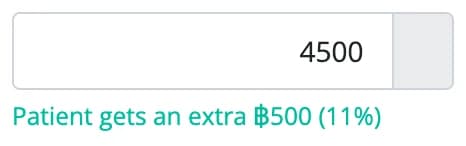
A card preview updates as you type and shows the extra value the patient gets. Every card gets a random 16-digit code. Sell it in the patient's case and it goes on the bill at the sale price; a card that hasn't been sold can't be used.
Sell clinic cash cards that patients spend down, visit by visit
Give the card more value than its price to make it attractive, such as 5,000 baht of credit for 4,500. The cashier can apply it to the whole bill or just part of it, and the Cash Card page shows how much service you still owe. Creating new cards is included in the Starter, Basic and Advanced plans.
Cards sold
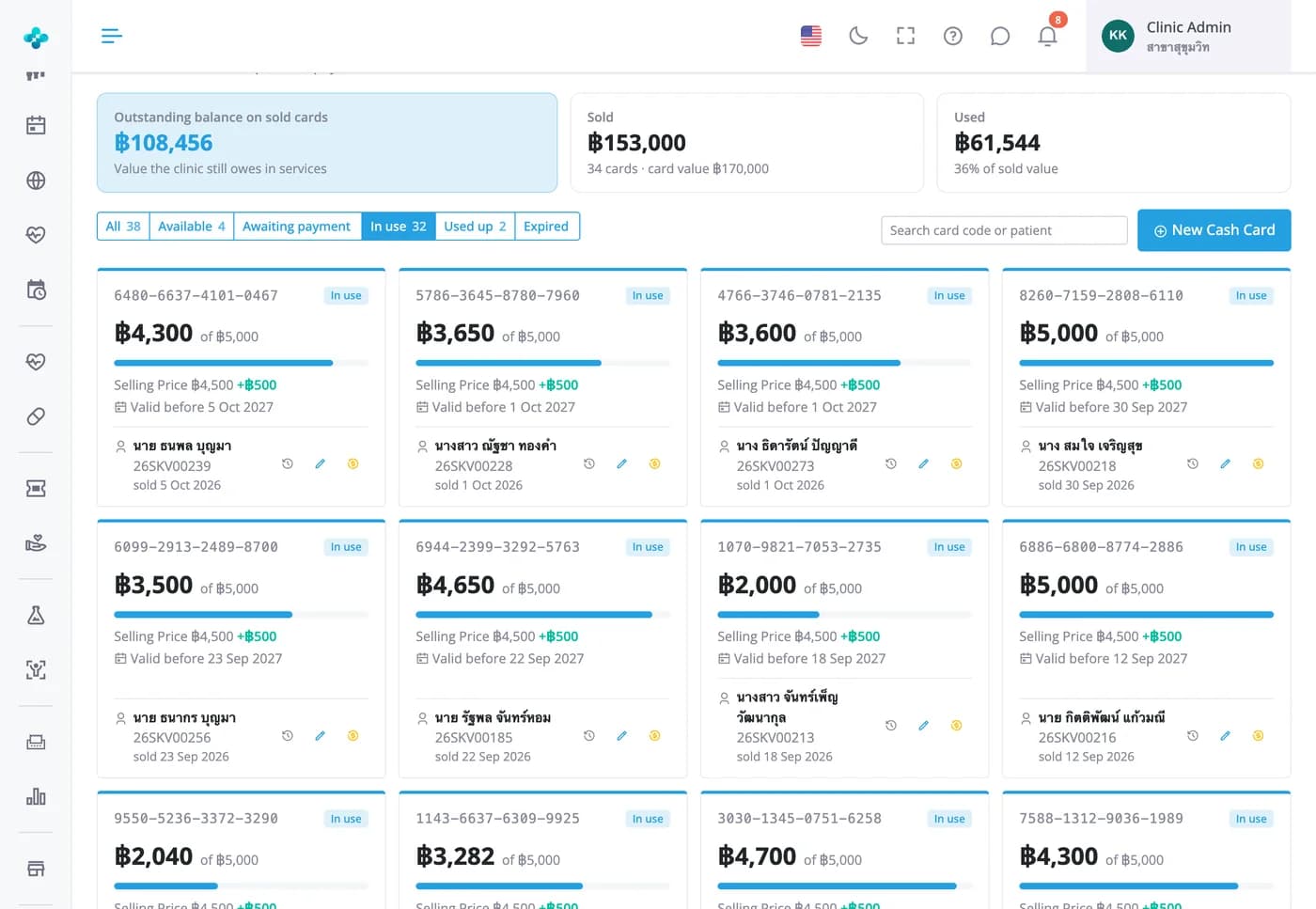
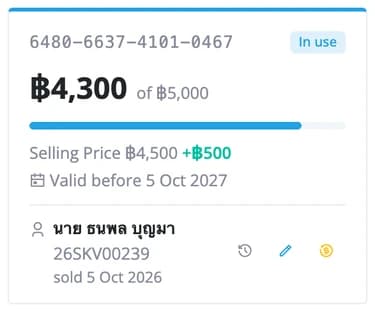
Every card shows its balance, owner and expiry
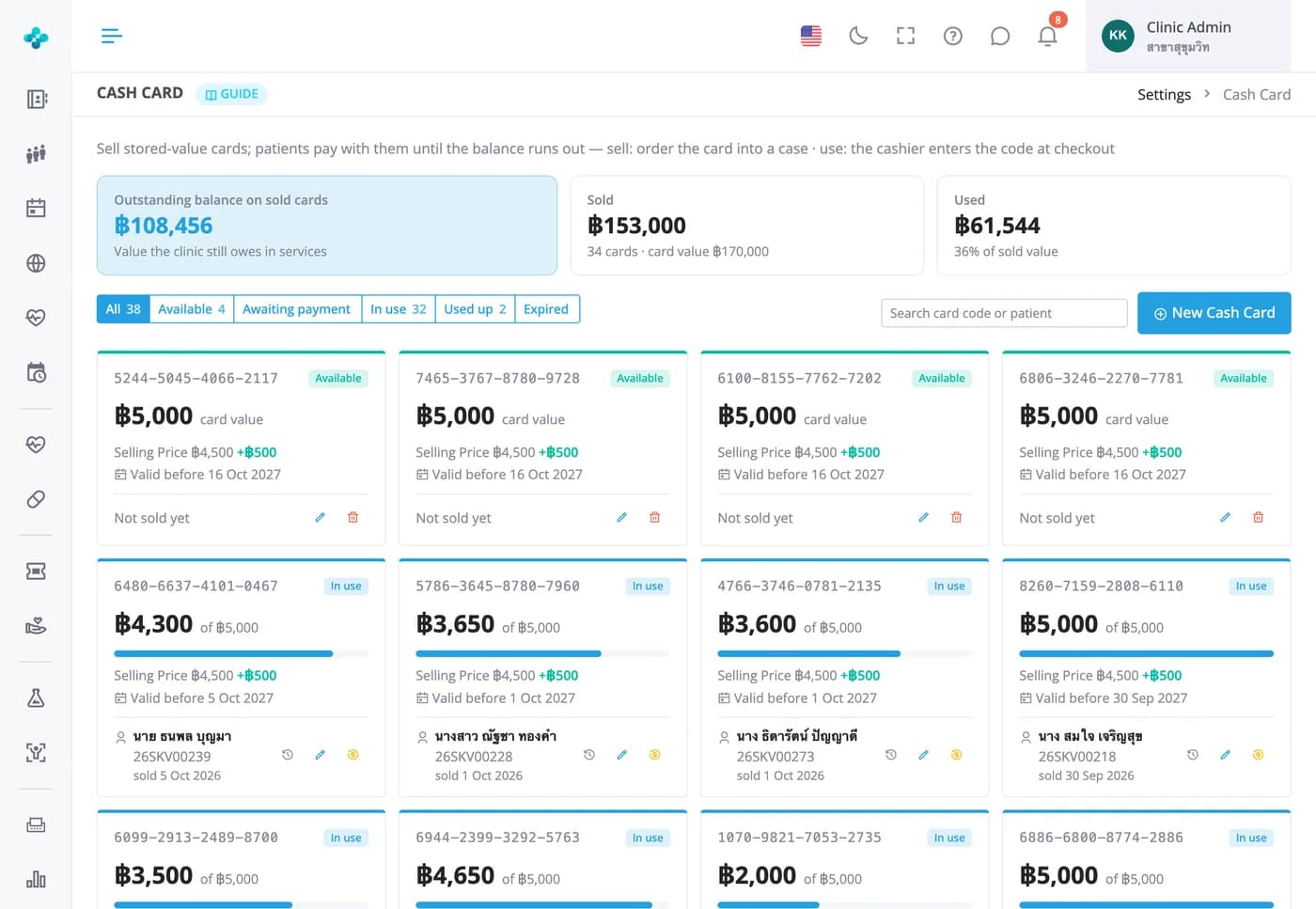
Filter cards by status (available, awaiting payment, in use, used up or expired) and search by card code or patient name. At the cashier, enter the card code, check the owner and choose how much to use; nothing is deducted automatically.

Balances and refunds
Know how much service you still owe, and refund the unused part fairly
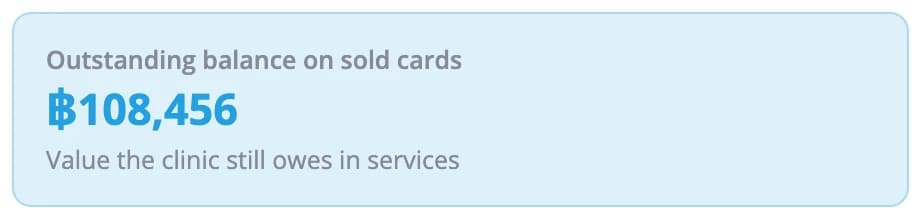
The Cash Card page totals the balance on sold cards, what has been sold and what has been used, with a usage history for each card. Admins can refund the unused part pro rata, so bonus credit never turns into cash, and print a refund slip for the patient to sign.

Frequently Asked Questions
A cash card holds money and pays for anything on the bill until it runs out. A package voucher can only be redeemed for the package it names. Both can be used alongside a discount on the same bill.
No. Each card keeps the value set when it was created; if a patient wants more, sell them a new card. Once a card is sold, only its expiry date can be changed, because the price and value are what the patient paid for.
By default, only at the branch that sold it. Multi-branch clinics that turn on the shared patient registry and cross-branch use of courses, cash cards and vouchers can accept cards bought at another branch, for linked patients only and once the purchase bill is paid. Revenue stays with the selling branch.
Yes, an admin can. The maximum is the price paid × credit left ÷ total credit, which can be lowered to deduct a fee, and a reason is required. The refund shows as a negative amount in the finance report on the day it's made, the original sale stays on its own date, and the card can't be used again.
Revenue is counted when the card is sold, based on the money actually received. To see the service you still owe, use the summary on the Cash Card page or the Prepaid balances report, which also covers courses and vouchers and shows expired balances separately.
Starter, Basic and Advanced can create new cards. On the Free plan you can sell and use cards that already exist, but you can't create new ones.