


Medical certificate systemIssue medical certificates from the case, with patient and doctor details already filled in
The doctor picks one of the branch's templates, and the patient's name, age and HN, the doctor's licence number and their signature from the staff profile are already in place. The fee goes on the case's bill, and once the bill is paid the certificate is locked, so a reprint matches what the patient took home. Included in every plan, with templates per branch: 3 on the Free Plan, 6 on Starter, and unlimited on Basic and Advanced.
Try for FreeCertificate tab in the case
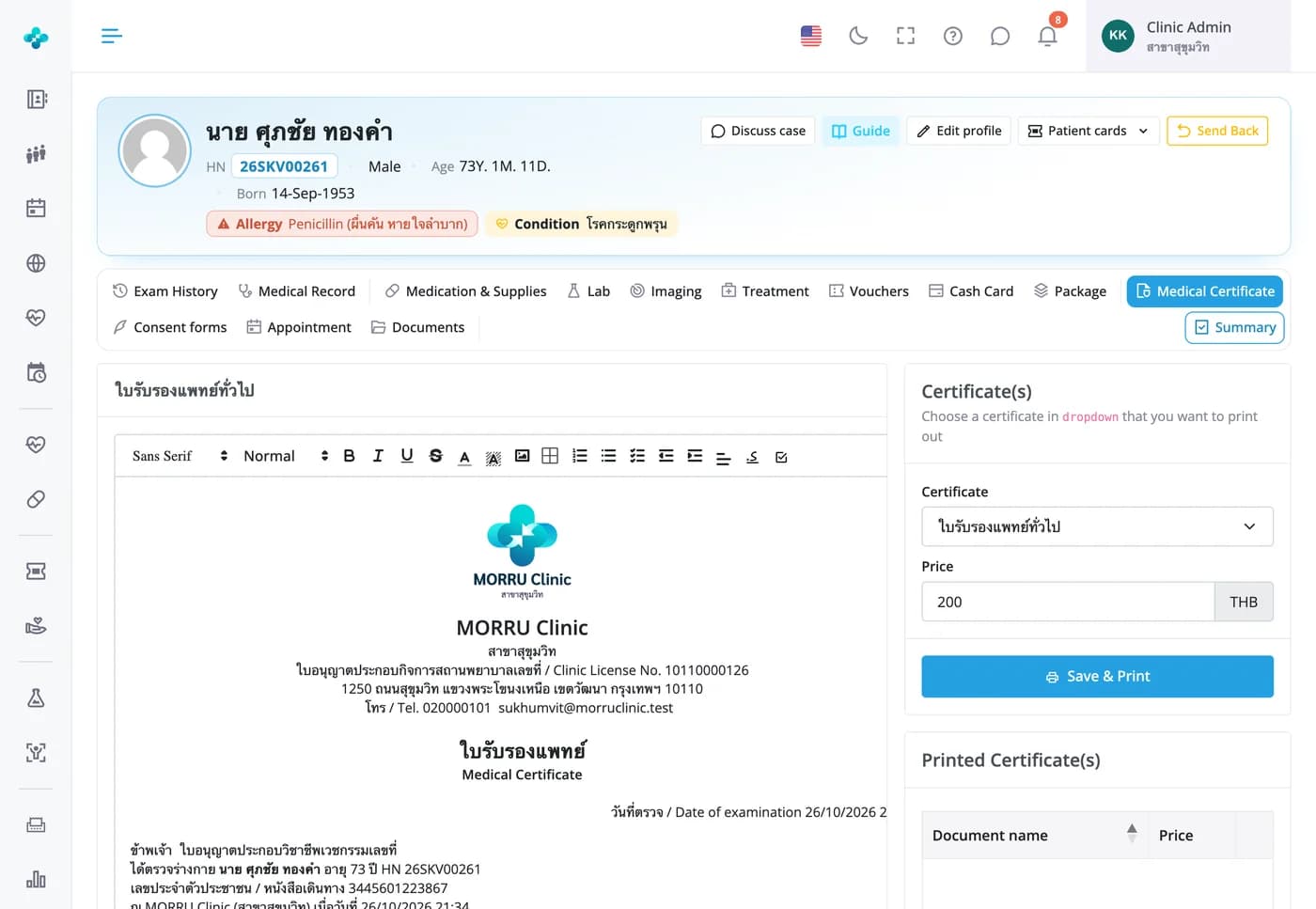
Pick a template, then type the findings and tick the doctor's opinion right on the page
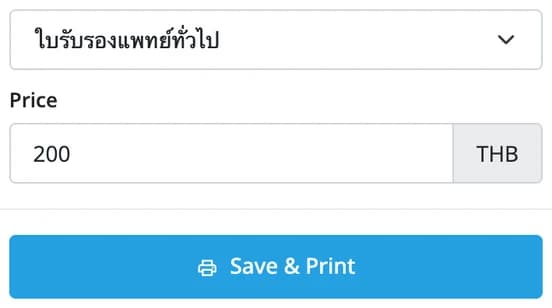
The clinic name, doctor, patient name, age, HN, ID number and visit date are already in place. Edit the certificate like a document: type over the dotted lines and tick the opinion boxes. The price comes from the template and can be changed for this visit. Save & Print opens a PDF and adds the fee to the bill.

Issue medical certificates from the case, with patient and doctor details already filled in
The doctor picks one of the branch's templates, and the patient's name, age and HN, the doctor's licence number and their signature from the staff profile are already in place. The fee goes on the case's bill, and once the bill is paid the certificate is locked, so a reprint matches what the patient took home. Included in every plan, with templates per branch: 3 on the Free Plan, 6 on Starter, and unlimited on Basic and Advanced.
Clinic templates
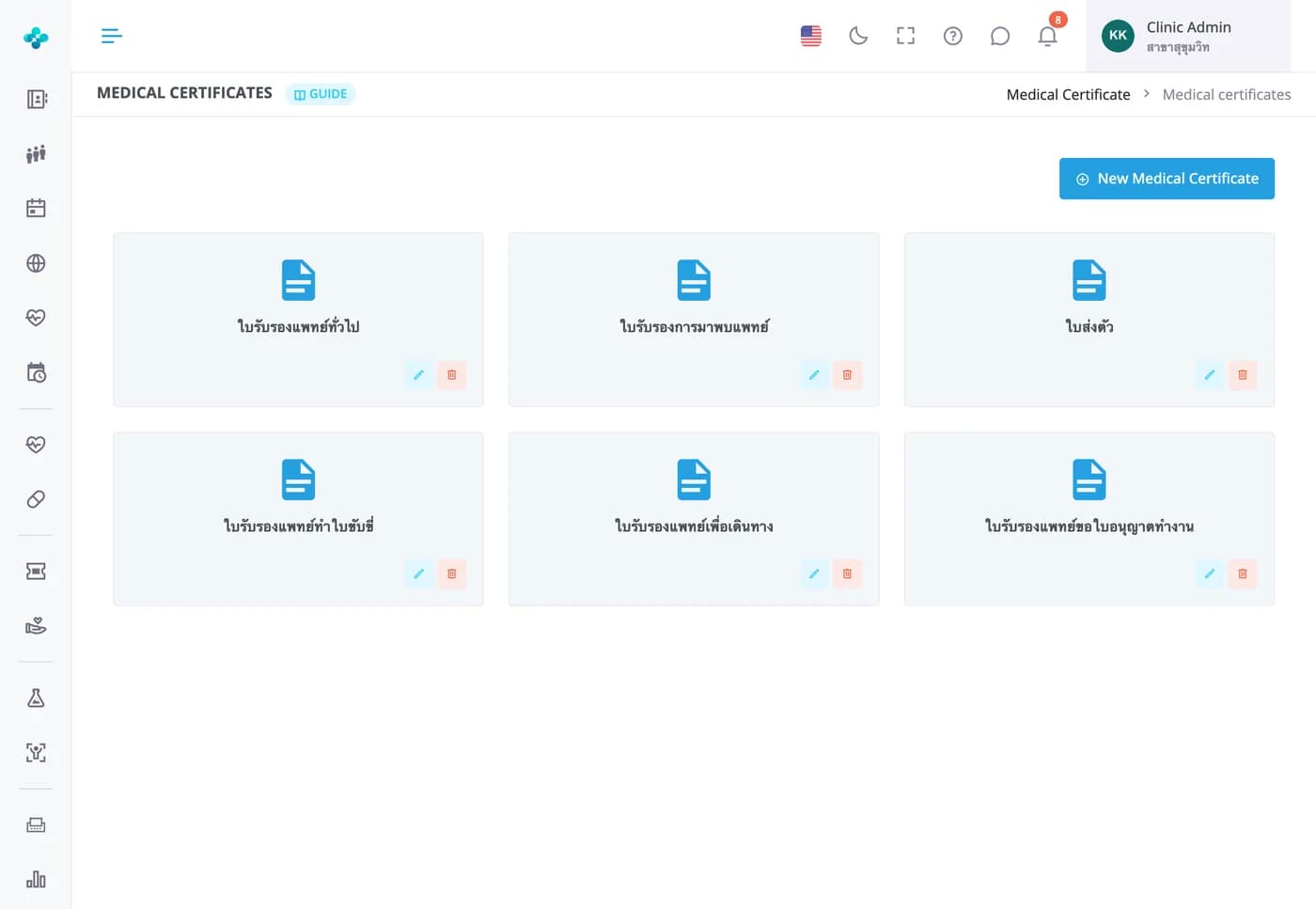
Six ready-made templates, plus your clinic's own
General certificate, visit confirmation, referral letter, driving licence, travel and work permit, each with its own name and price. Templates per branch: 3 on the Free Plan, 6 on Starter, unlimited on Basic and Advanced. Editing a template later never changes certificates already issued.
Template editor
Edit your own templates and insert patient details, vitals and the doctor's signature with a click
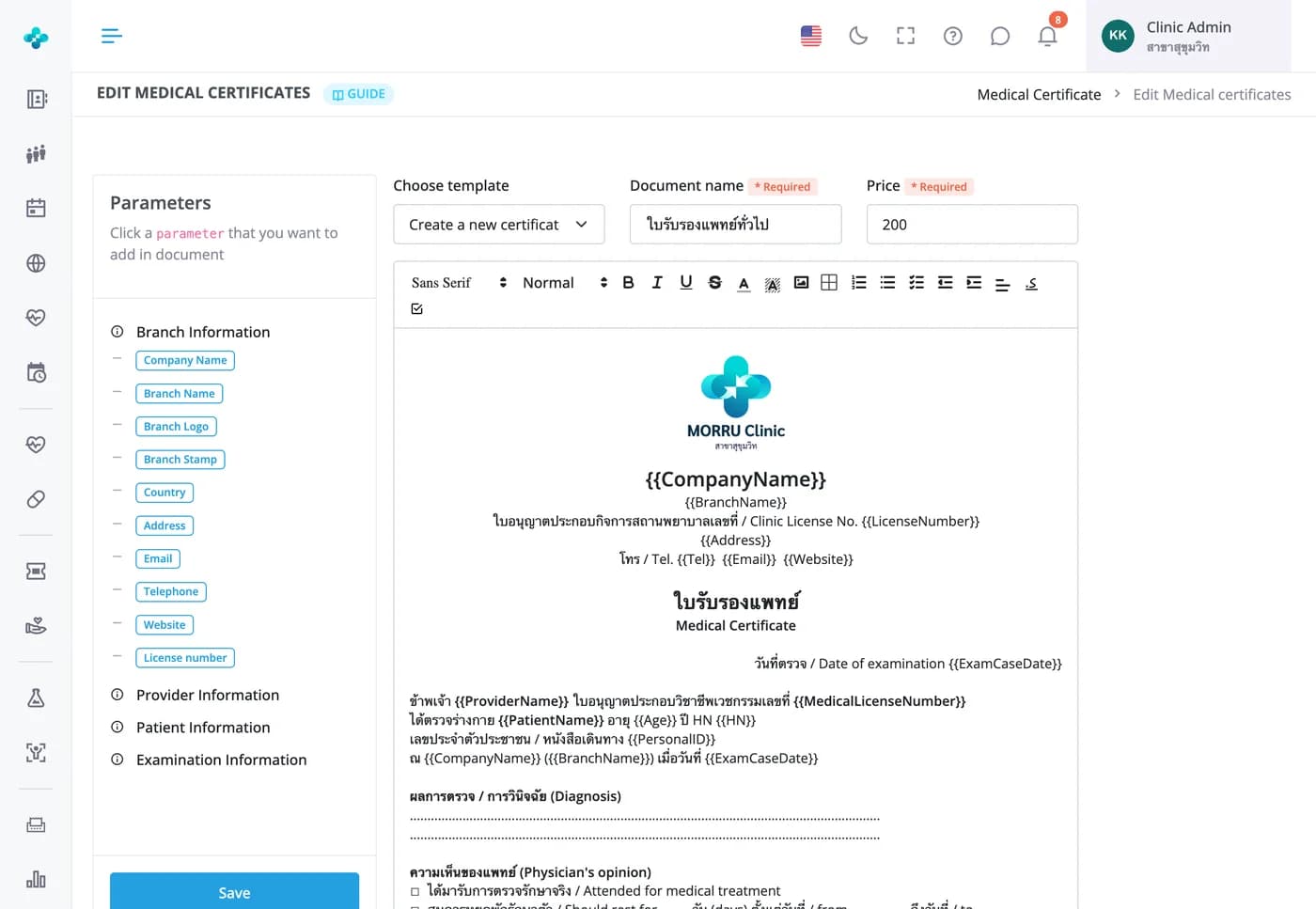
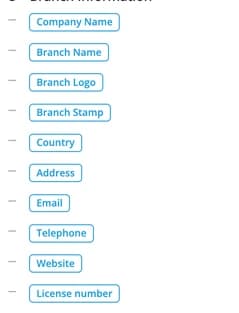
Start from a MORRU template or write your own, and set its name and price. Click a parameter on the left to insert it, such as the licence number, branch stamp, weight or blood pressure; the real values are filled in when a certificate is issued. Findings and the doctor's opinion are typed into the certificate before printing.

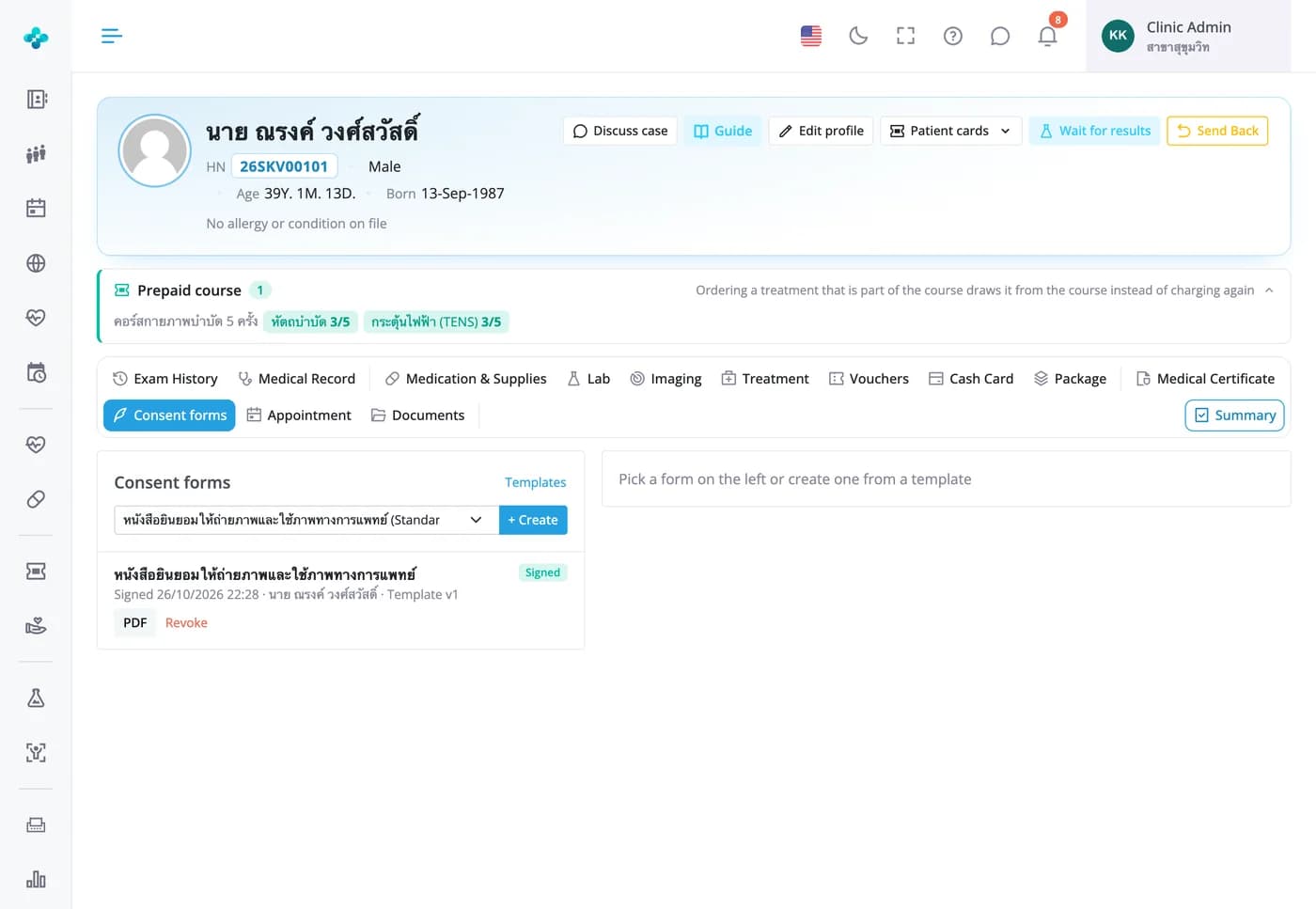
Consent forms in the case · every plan
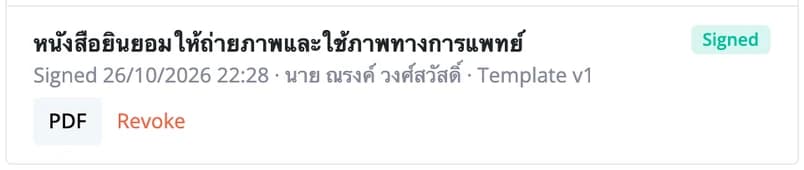
Patients or their representative sign consent forms on screen, and signed forms can't be changed
Create a form from a template with the patient's name, HN, age and doctor filled in, complete the details, then hand over the screen or iPad to sign. Signed forms open as a PDF at any time. Revoking needs a reason and keeps the original. Copy a MORRU standard template to make your clinic's own version.
Frequently Asked Questions
The first time you open certificates, starter templates are added for your plan. The Free Plan gets 3: general medical certificate, doctor visit certificate and referral letter. Starter gets 6, adding driving licence, fitness to travel and work permit certificates. Basic and Advanced get every template and can create as many as they need. Counts are per branch and include templates you create.
Branch details such as the name, address, facility licence number, logo and stamp; the doctor's name, licence number and signature from their staff profile; patient details such as name, age, HN, ID or passport number; and visit details such as the date, weight, height, blood pressure and heart rate. The doctor types the findings and opinion on the certificate before printing.
Yes, until the case's bill is paid. From the printed list you can view the PDF again, edit the text, reset it to the template, or remove it from the case and the bill. Once the bill is paid you can't add, edit or remove certificates, and printing gives you the certificate exactly as issued. To make changes, ask the cashier to reopen the bill first.
No. A saved certificate keeps its text and the doctor's signature as they were when it was issued. Template changes apply to certificates issued from then on.
Save & Print opens the certificate as a PDF in a new tab. Print it, or download the file there to send to the patient.
Every plan includes both medical certificates and consent forms; plans differ only in the number of certificate templates per branch. Managing certificate and consent templates needs the Medical Certificate menu permission, and only the case's own provider can create consent forms and have them signed.